E-Learning Platform · 2022
Learning Management System v2
Redesigned English version of the learning platform with modern UI/UX, featuring course management, interactive quizzes, video streaming, and student progress tracking.
Full Stack Developer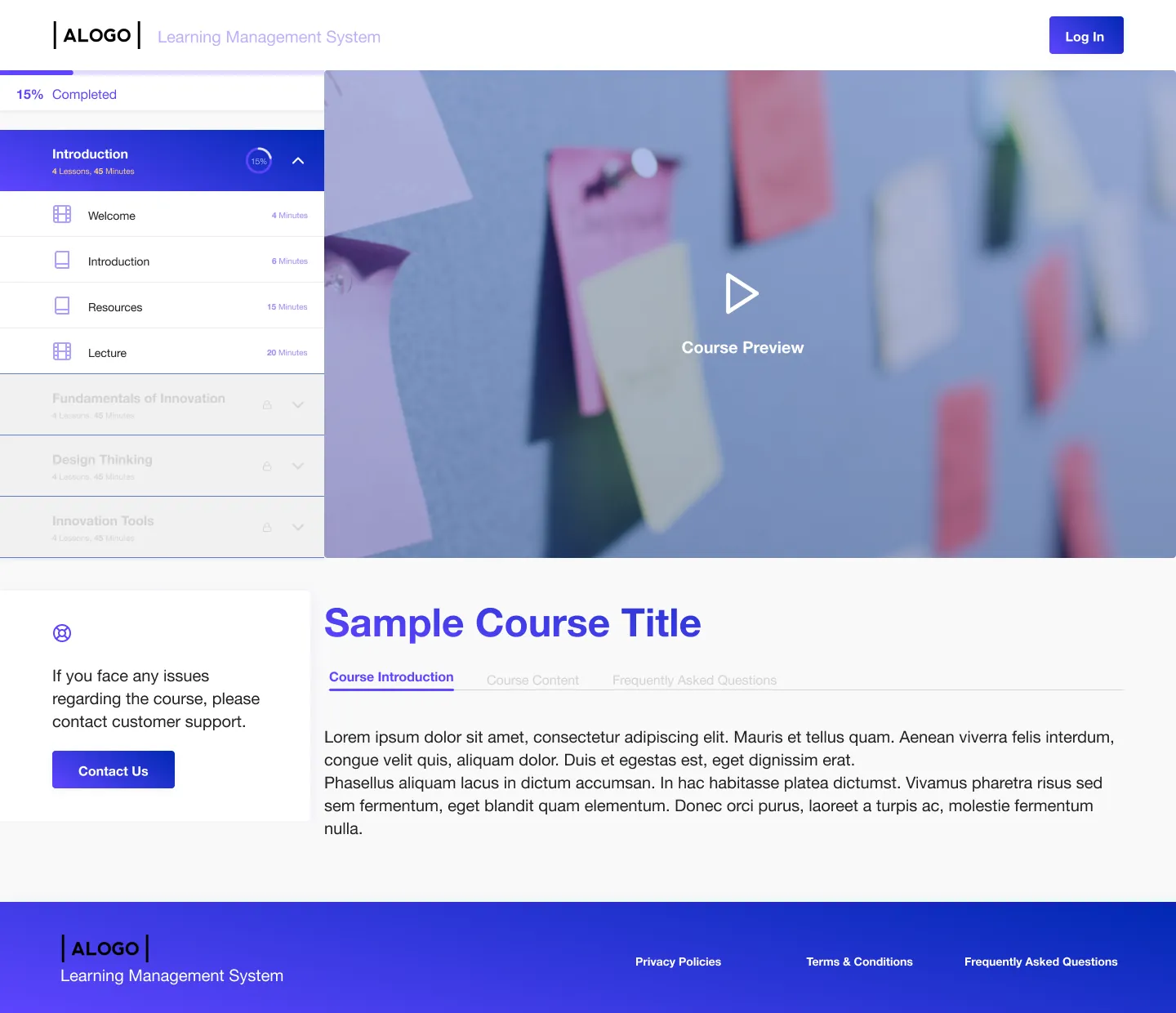
Scroll — full dossier below
A redesigned version of the learning management system with a new interface and English localization, built for a different client. The platform offers course creation tools, student enrollment management, and interactive learning features, supporting video lectures, text articles, quizzes, and external resources.
- 01Modern gradient UI design with purple/blue color scheme
- 02Complete authentication system (Login, Sign Up, Password Reset)
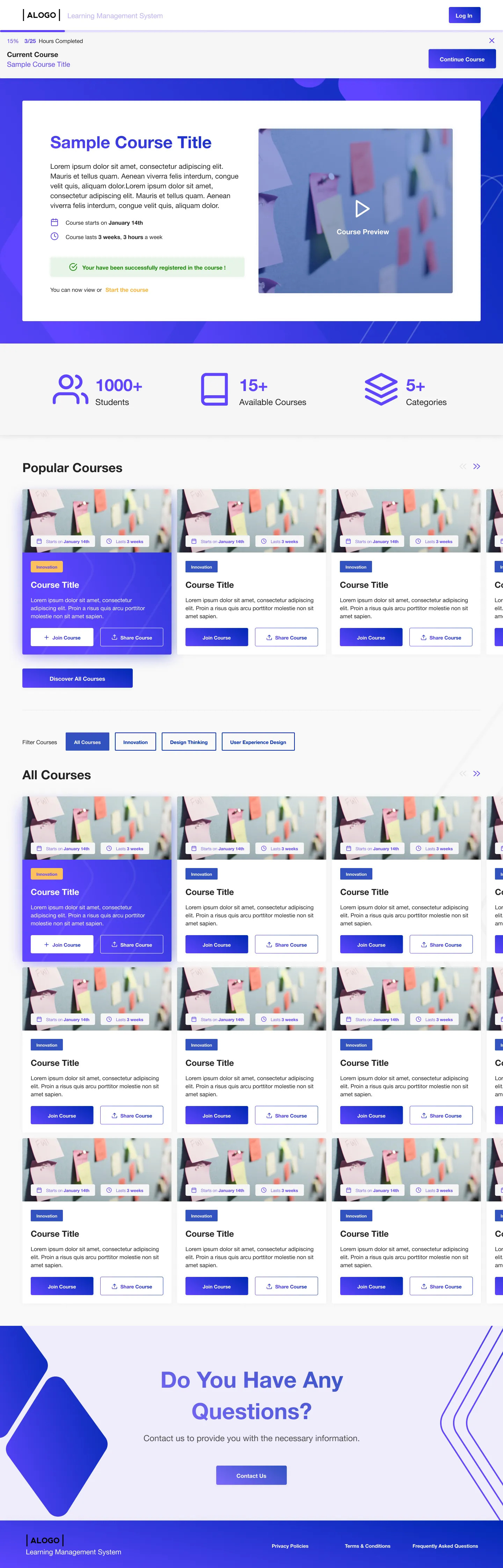
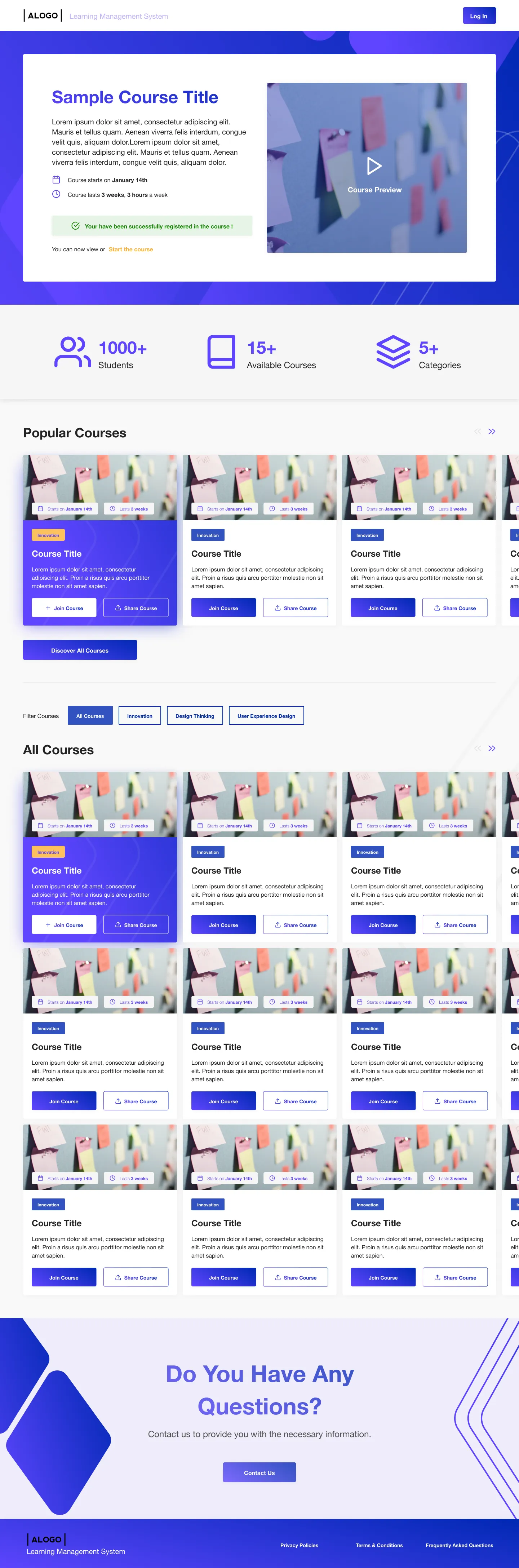
- 03Course browsing with category filtering
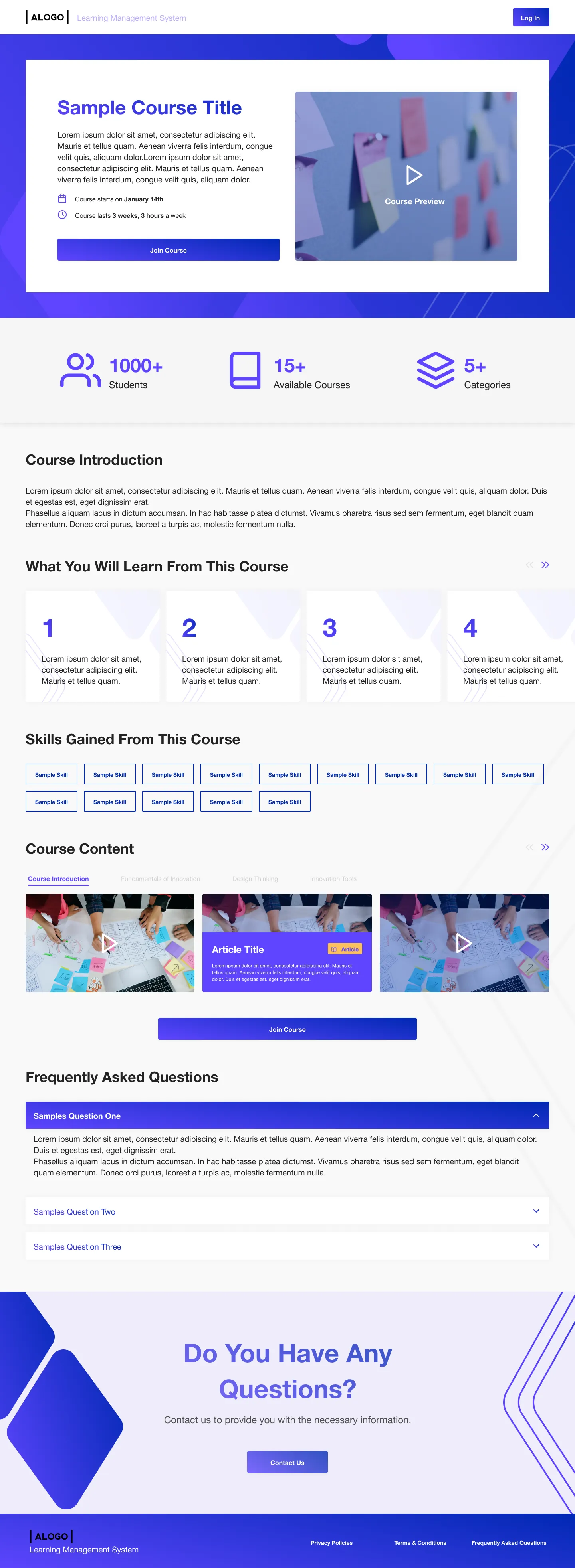
- 04Detailed course pages with introduction, content, and FAQ sections
- 05Course enrollment system with registration confirmation
- 06Structured course curriculum with expandable sections and lessons
- 07Interactive quiz system with multiple-choice questions and instant feedback
- 08Progress tracking showing completion percentage per course
- 09Video player integration with course preview functionality
- 10Student dashboard showing enrolled courses and learning progress
- 11Skills tagging system showing competencies gained from courses
- 12Contact form for student support inquiries
- 13Responsive design optimized for desktop and mobile learning
- 14FAQ accordion sections for common course questions
- 01Successfully delivered redesigned platform with modern, appealing interface
- 02Improved user engagement through enhanced UI/UX design
- 03Clean, professional design suitable for corporate training programs
- 04Positive client feedback on design modernization
- 05Smooth course enrollment and learning experience
- 06Mobile-responsive platform supporting learning on any device
Next case studyMulti-Platform Management Dashboard
YOU GOT SOMETHING IN MIND ?
LET'S WORK TOGETHER

Saber Mohamed
Full Stack Developer
Open to roles in Europe & Tunisia — based in Tunis (UTC+1, Paris hours)