Management Platform · 2022
Multi-Platform Management Dashboard
Centralized dashboard providing unified access to multiple client platforms (CMS, LMS, and custom modules) with aggregated analytics and single sign-on functionality.
Full Stack Developer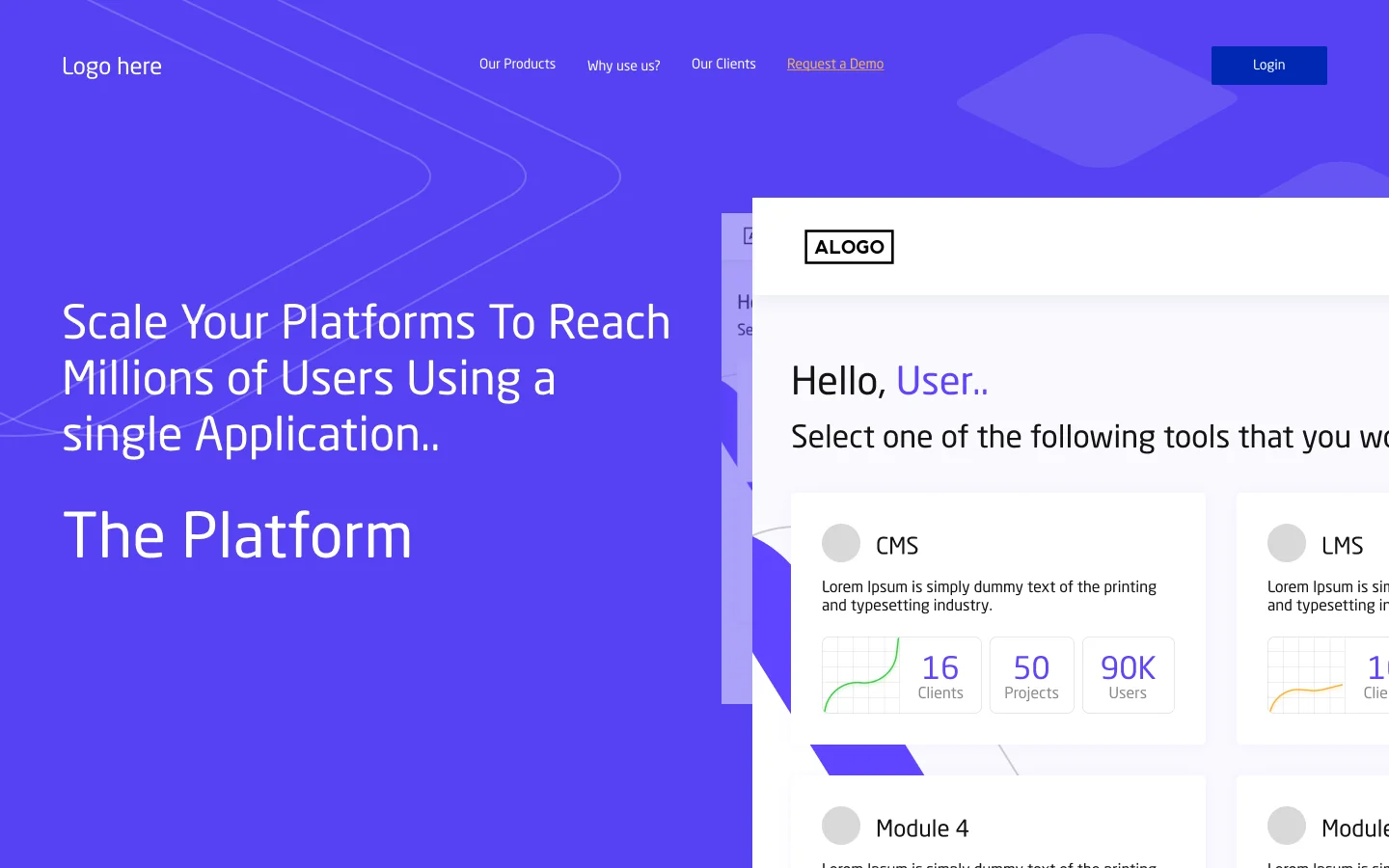
Scroll — full dossier below
A unified management dashboard built as a wrapper/portal for the Saudi IT company's multiple client platforms. This central hub allows the client to access their Event Gamification Platform, Learning Management Systems, and other modules from a single interface. The dashboard aggregates key metrics across all platforms, showing total clients, projects, and users, while providing seamless navigation between different systems with single sign-on capabilities.
- 01Unified dashboard showing all available platforms (CMS, LMS, Modules 3-6)
- 02Platform selection interface with visual cards and key statistics per platform
- 03Aggregated analytics showing total clients, projects, and users across all systems
- 04Single sign-on (SSO) functionality for seamless platform switching
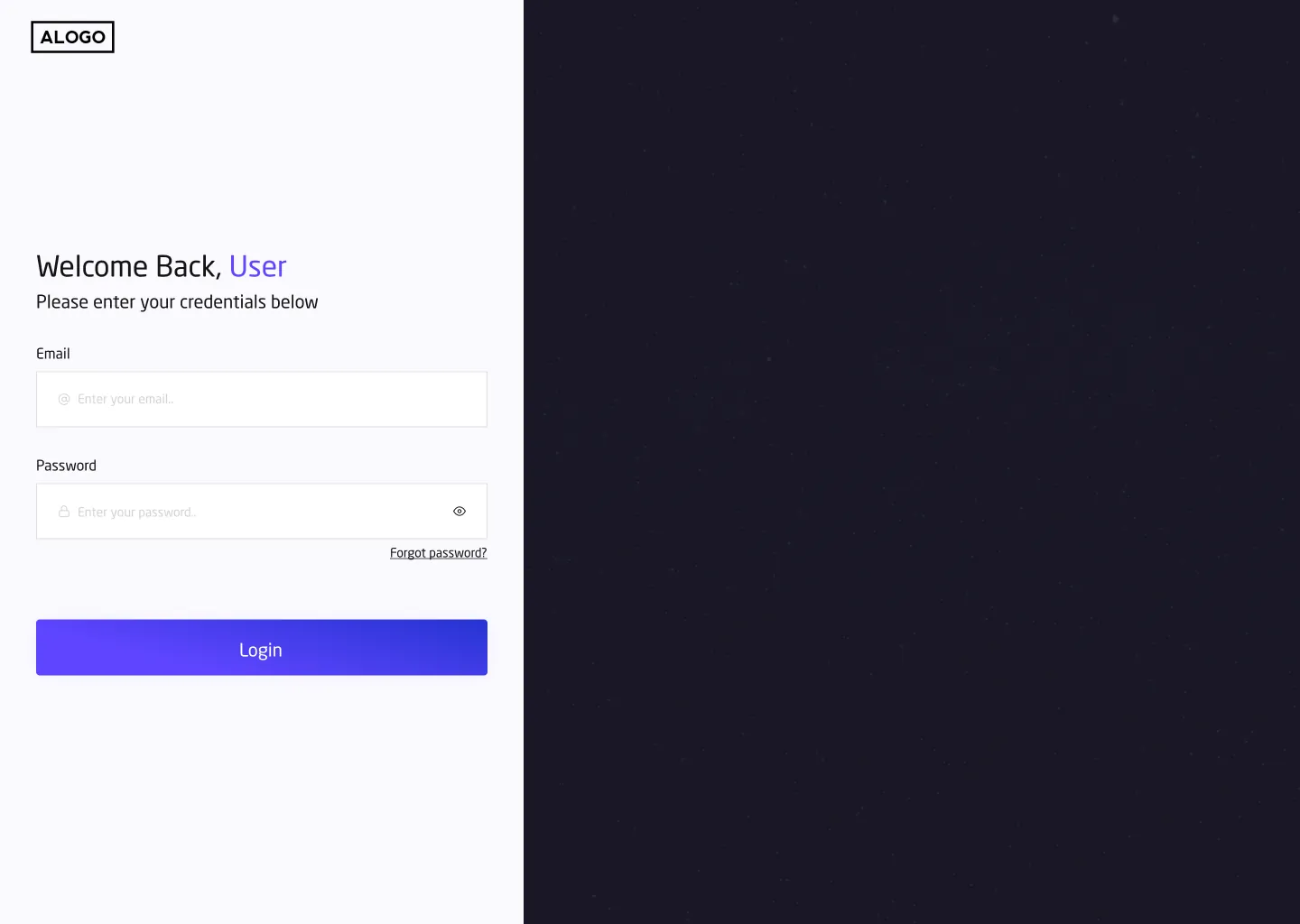
- 05Centralized authentication managing access to multiple platforms
- 06Real-time statistics with growth indicators and trend visualizations
- 07Platform filtering and search capabilities
- 08Consistent navigation between integrated platforms
- 09Client profile management accessible from central dashboard
- 10Empty state screens prompting platform creation
- 11Responsive design for desktop and tablet access
- 12Visual consistency with the Event Gamification and LMS platforms
- 01Successfully deployed as centralized access point for all client platforms
- 02Reduced platform switching friction with single sign-on implementation
- 03Client can monitor all platform metrics from one dashboard
- 04Consistent branding and navigation across all integrated systems
- 05Streamlined user management across multiple platforms
- 06Easy scalability for adding new platforms to the dashboard
Next case studyDev-Finder — Developer Resources App
YOU GOT SOMETHING IN MIND ?
LET'S WORK TOGETHER

Saber Mohamed
Full Stack Developer
Open to roles in Europe & Tunisia — based in Tunis (UTC+1, Paris hours)