A two-persona laundry marketplace — 30+ screens from Figma to production-ready React Native.
Frontend — React Native (Expo)
Scroll — full dossier below
01Context
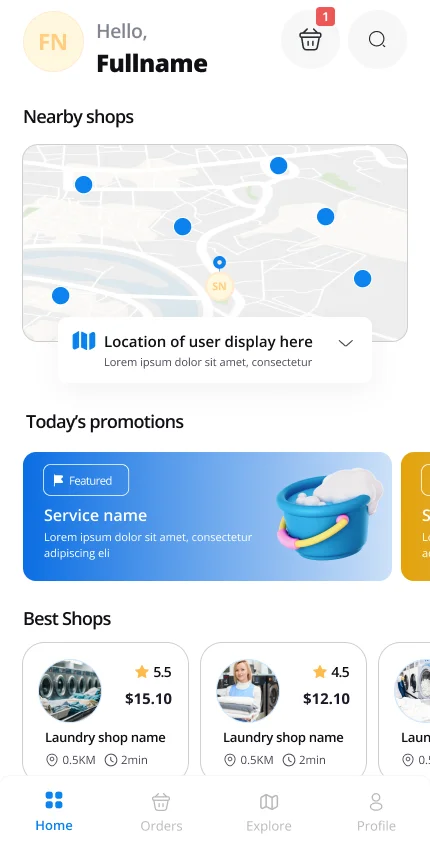
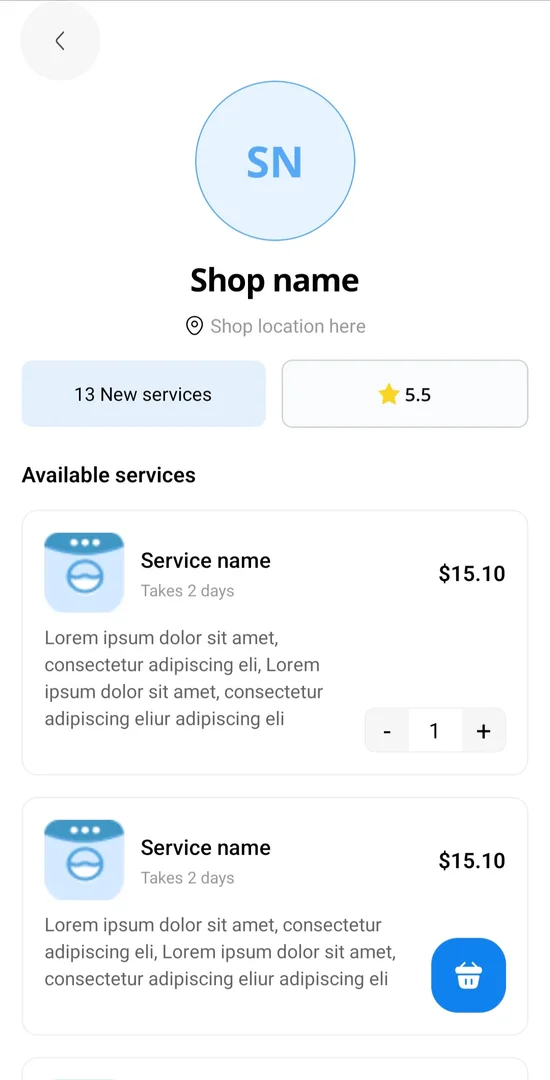
Dryho is an on-demand laundry and dry-cleaning service: customers find nearby shops on a map, order pickup, and track their laundry; shop owners manage services, orders, and business metrics from the same app. The client arrived with finished Figma designs and one hard requirement — both personas had to live in a single codebase without the app feeling like two apps stitched together.
I owned the entire frontend: every screen, the navigation architecture, the shared component system, and the real-time notification plumbing, built against the backend team’s API contract.
02Constraints
Fixed design
Complete Figma handoff — the design was decided; the engineering was mine
Two personas
Customer and shop-owner flows in one app, one navigation tree
Solo frontend
30+ screens by one developer, no existing component library
International-ready
Multi-language from day one, RTL-aware layout groundwork
03System design
FIG. 01 — APP ARCHITECTURE
04Key decisions
One navigation tree with persona-split stacks
over: Two separate apps (or build targets)
A single codebase keeps the entire UI system shared and ships both personas in one release cycle. The cost: strict discipline in auth-state routing so a shop owner never glimpses customer screens mid-transition — worth it for a solo-maintained codebase.
Build the shared component system before any screen
over: Screen-by-screen implementation straight from Figma
Roughly two weeks of inventory work before visible progress. Repaid across 30+ screens where cards, sheets, list rows, and form controls are instances of one system, not thirty hand-rolled copies — and where a design tweak lands everywhere at once.
i18n and RTL groundwork from the first screen
over: Bolting translation on before launch
Every string externalized and layouts direction-aware from day one. Slightly slower screen assembly, zero retrofit cost for the Arabic-speaking market the client planned to enter.
05User flow
FIG. 02 — CORE FLOWS, BOTH PERSONAS
Customer
01
Onboard
Location permission + phone OTP
02
Discover
Full-screen map, custom shop markers
03
Order
Services, quantities, cart
04
Checkout
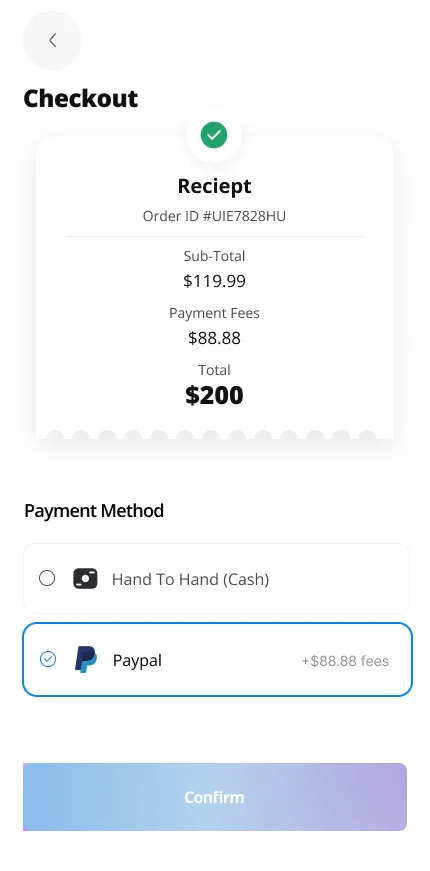
Cash or PayPal
05
Track
Status updates + history
Shop owner
01
Set up shop
Logo, signature, stamp
02
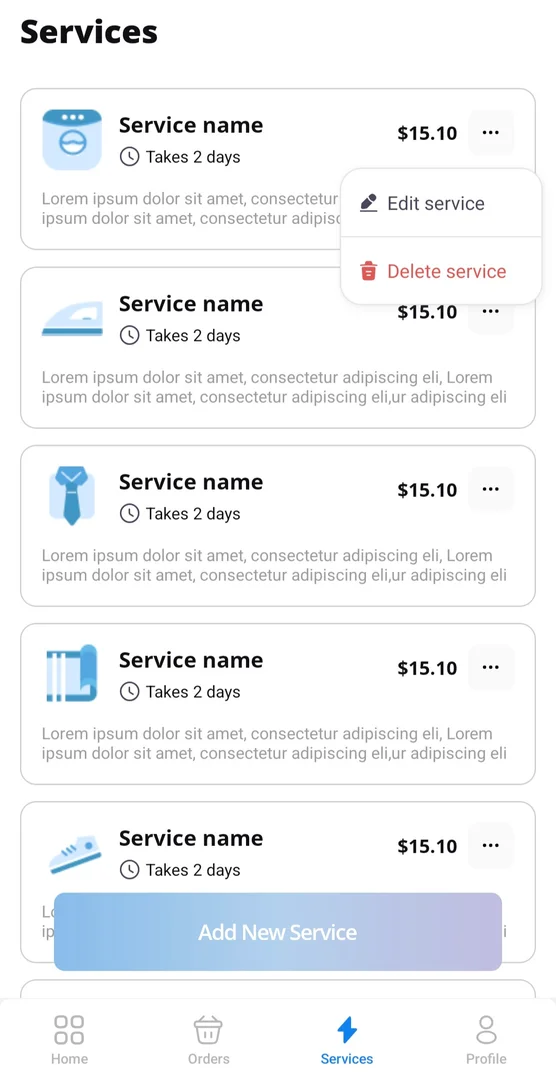
Manage services
Add, edit, price
03
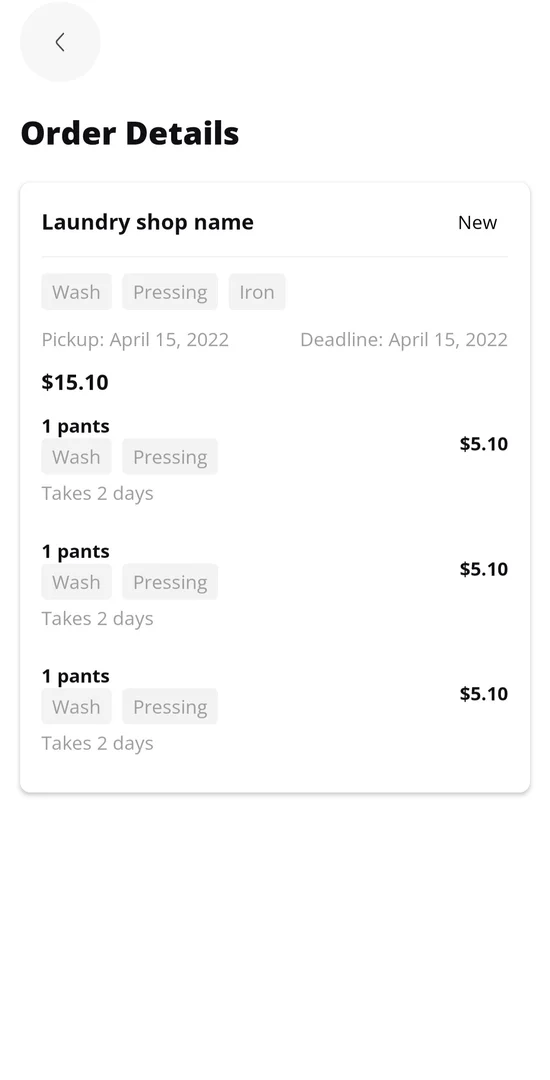
Fulfil orders
Status transitions
04
Monitor
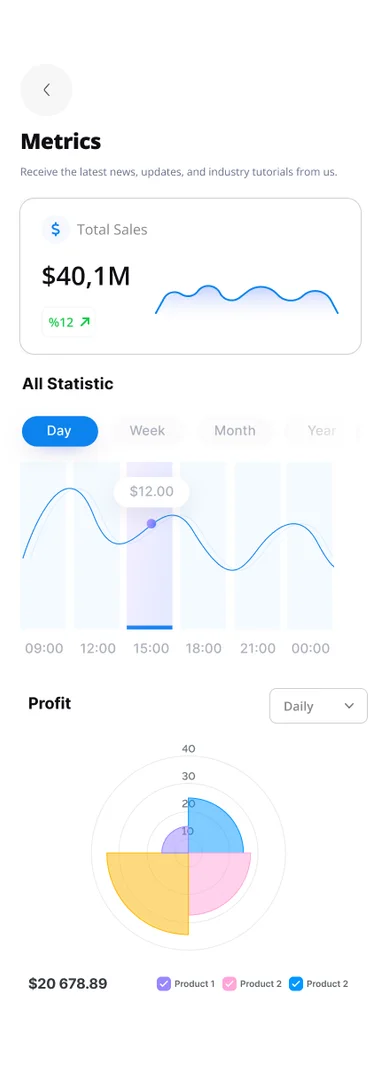
Business metrics dashboard
06The hard problem
One map, many shops, sixty frames per second
The Explore screen is a full-screen Google Map with a custom marker per shop, a draggable results sheet, and live re-querying as the viewport moves. The naive implementation — re-render every marker on every region change — dropped the map below 30fps on mid-range Android devices as soon as more than a dozen shops were visible.
Profiling showed the cost wasn’t the map itself: it was React re-creating marker components and their custom views on every pan. I memoized markers on stable shop identity, put region-change queries behind a debounce so panning never waited on the network, and moved marker-selection state out of the list’s render path — selecting a shop re-renders one marker, not all of them.
Result: smooth panning with dozens of visible shops on the same devices, and a discovery experience that feels native rather than webby — the bar the client’s Figma clearly implied.