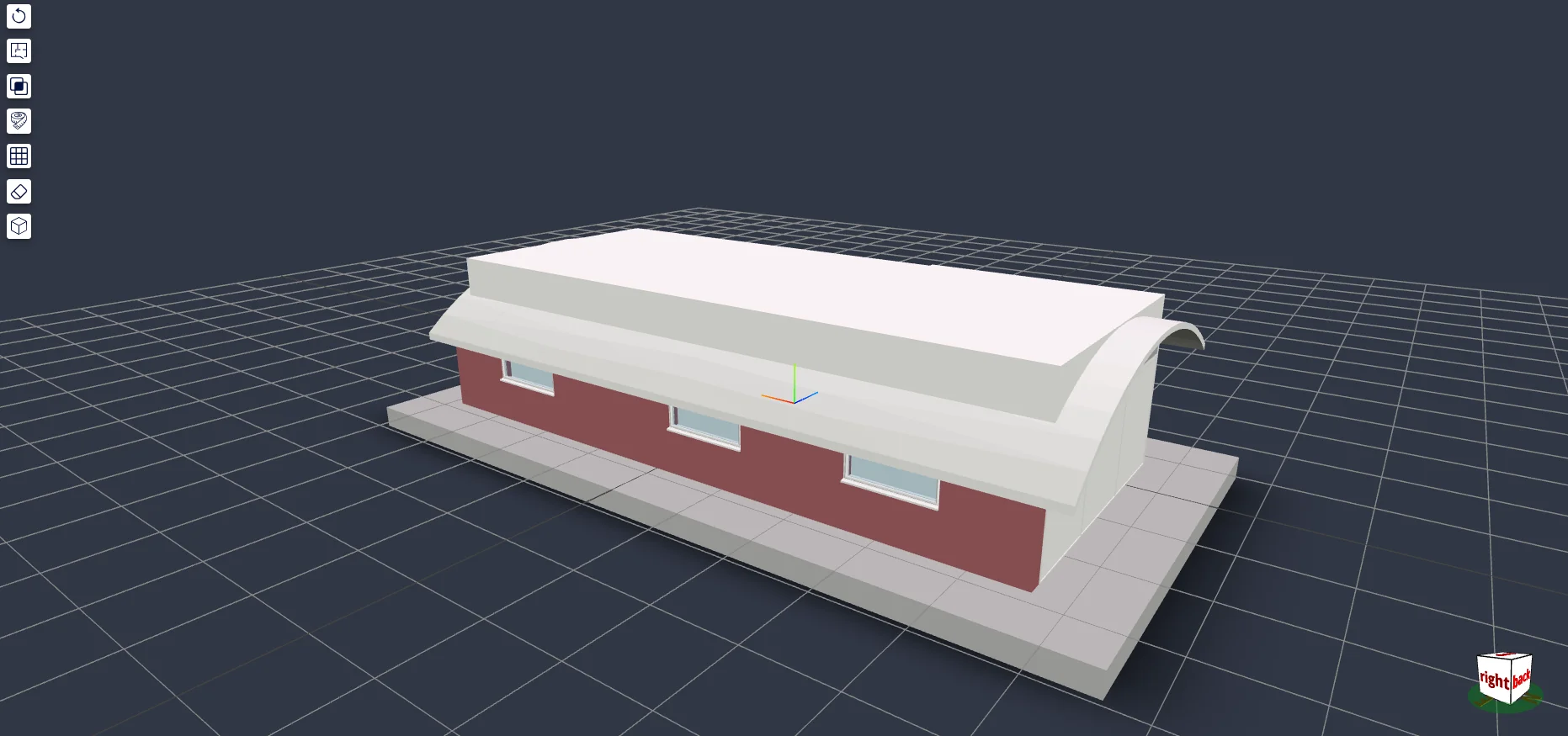
Browser-based BIM review for construction teams — 50MB Revit models, no viewer license, no rendering servers.
Solo — full stack, 3D, and infrastructure
BIM platform — 3D IFC viewer
Scroll — full dossier below
01Context
Construction teams coordinating multi-million-euro projects were reviewing 3D building models by emailing 50MB+ IFC exports from Revit and annotating PDFs. Review cycles took days; version confusion caused rework on site. Atomic-IT’s client needed browser-based model review with strict role-based visibility — a site worker must never see the budget data a project lead can.
I built the entire platform solo over eight months: the React frontend, the 3D viewer, the NestJS backend and its 12+ feature modules, MongoDB, Google Cloud Storage integration, bilingual EN/FR support, and the production VPS it ran on at launch. This page documents that 2023 build; the product has since been rebuilt by its current owners and works differently today.
02Constraints
Solo build
Eight months, one developer, fixed budget
No viewer license
Autodesk Forge pricing ruled out — rendering had to be open web tech
50MB+ models
Real Revit exports, reviewed in the browser at 60fps
Field-level security
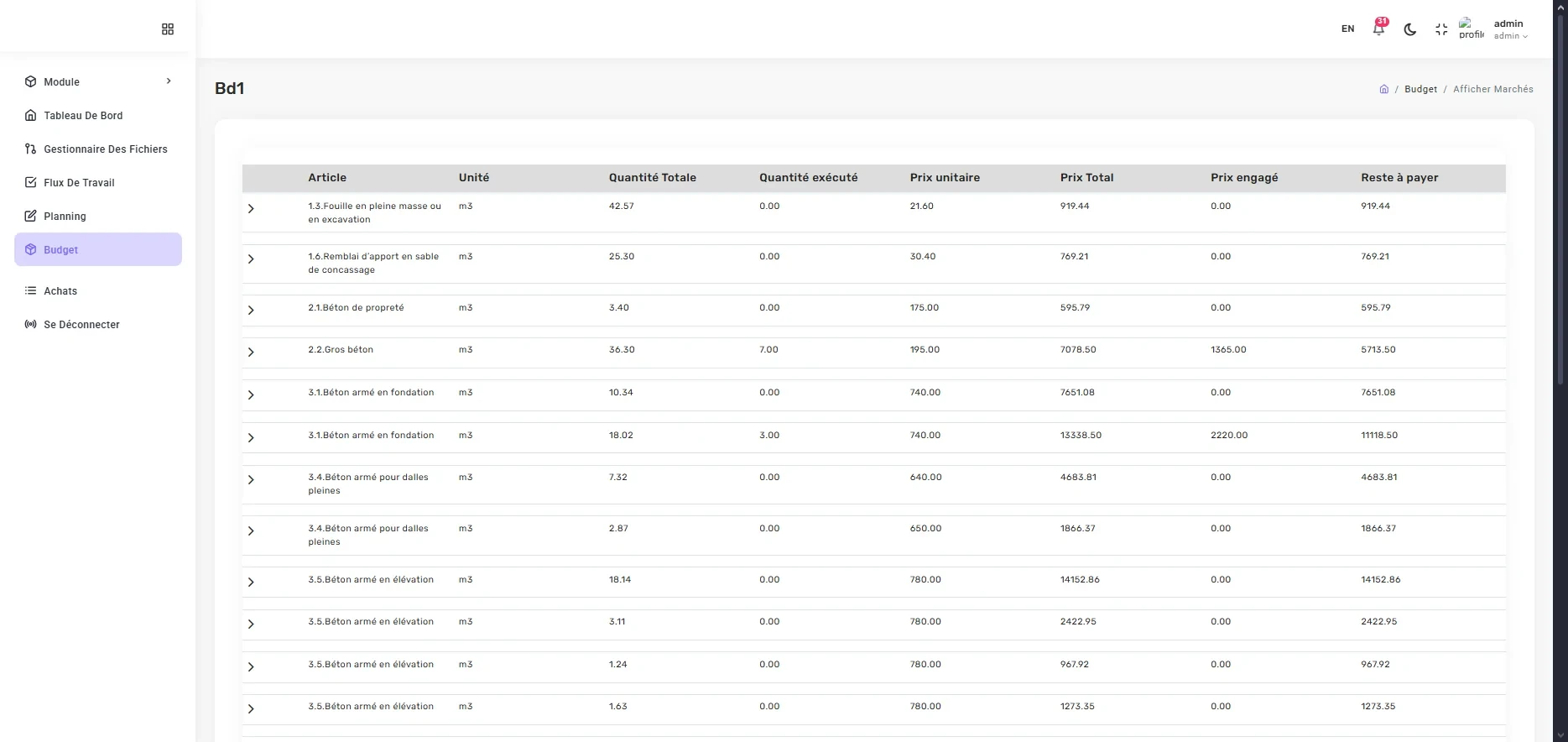
Five permission levels filtering budget columns, files, and tasks
03System design
FIG. 01 — SYSTEM ARCHITECTURE
04Key decisions
Client-side WASM parsing
over: Server-side tiling (the Autodesk Forge approach)
Server-side conversion gives a faster first load, but needs GPU infrastructure the budget didn’t allow. web-ifc parses IFC in the browser at near-native speed; I accepted a slower first parse — mitigated with progressive geometry loading — in exchange for zero rendering infrastructure cost, forever.
Permissions enforced at the API layer
over: Hiding columns and routes in the React UI
A P03 user requesting the budget endpoint receives the same document with pricing fields stripped server-side. UI hiding would have shipped faster — and been bypassable with devtools. Reusable NestJS guards and custom decorators made visibility a property of the API, not the frontend.
MongoDB
over: PostgreSQL
IFC element properties are schemaless per building type — document storage matched the data. The cost: hand-built aggregation pipelines for cross-project reporting that SQL joins would have given for free.
05User flow
FIG. 02 — MODEL REVIEW FLOW
01
Select project
All modules scoped to it
02
Upload IFC
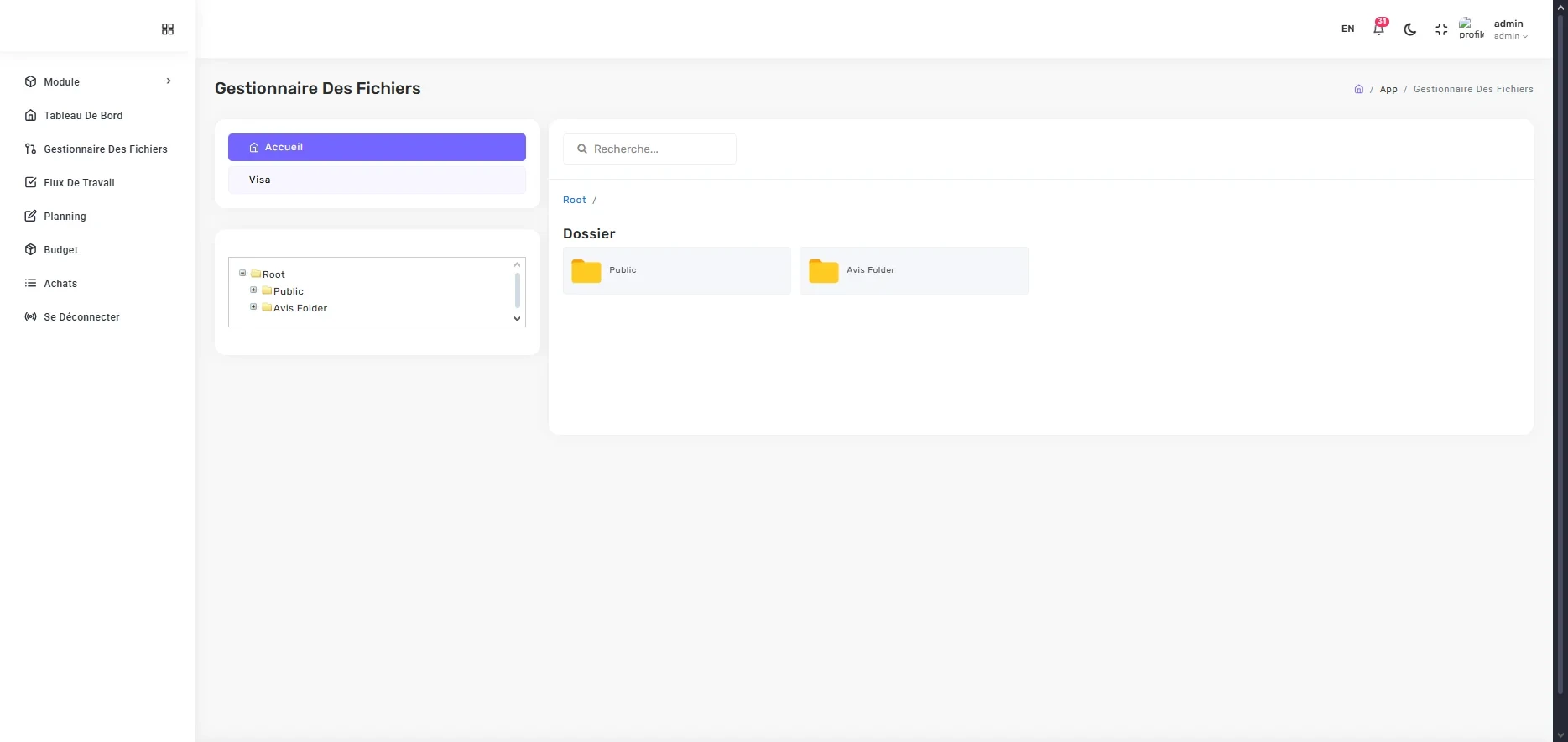
To Cloud Storage
03
Parse
WASM, progressive load
04
Review in 3D
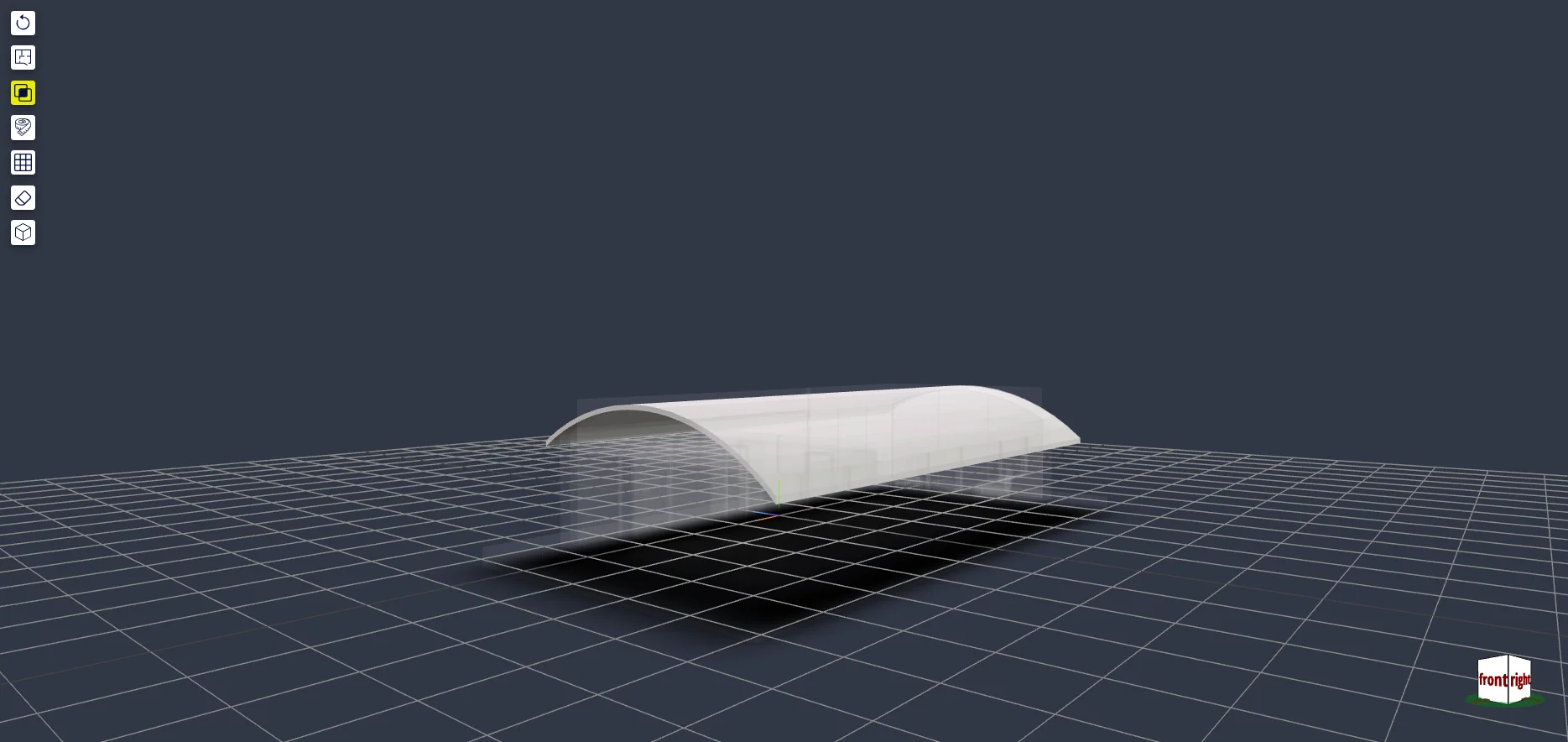
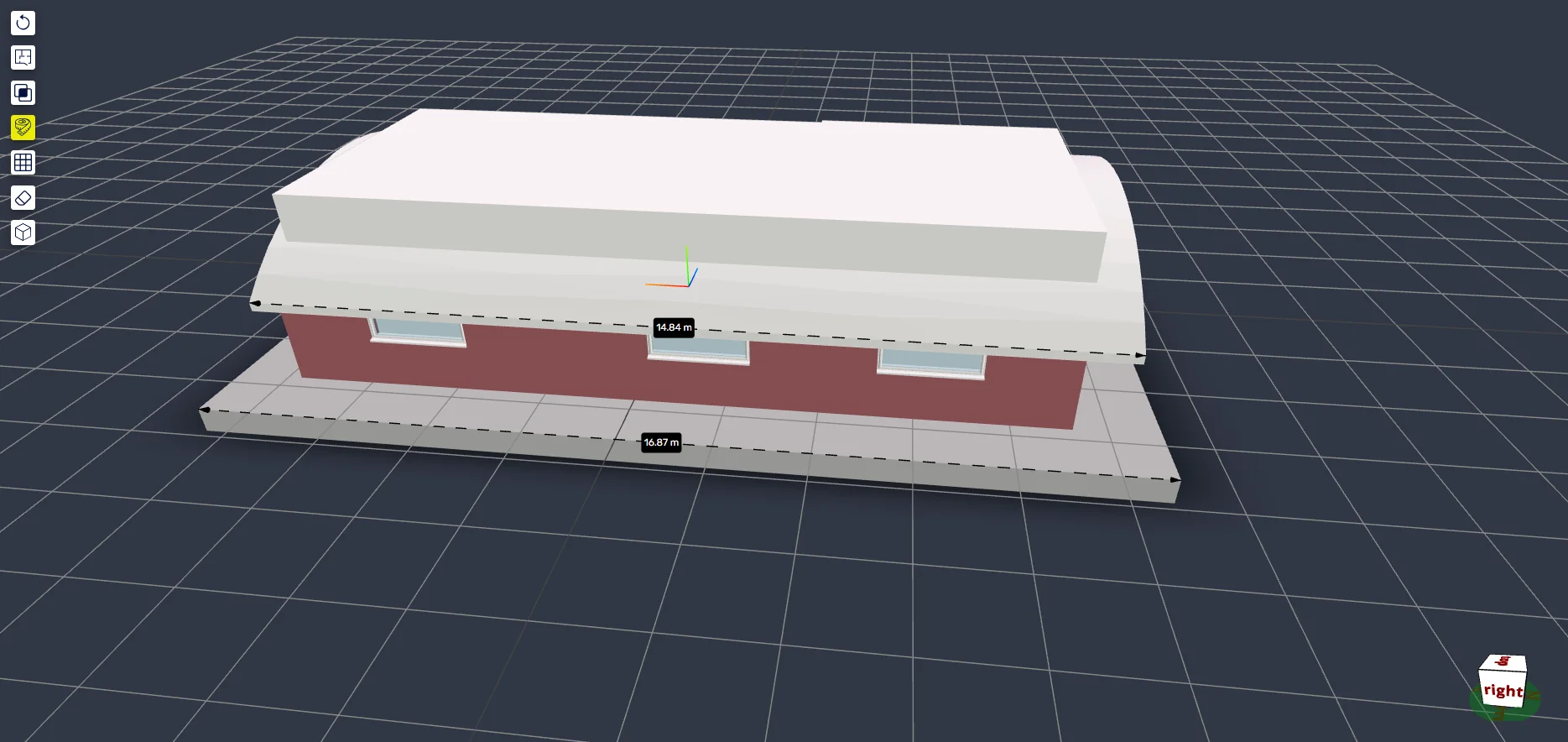
Section, clip, measure
05
Open Avis
Approval document
06
Review + close
Multi-stakeholder, auto-closure
06The hard problem
Fifty-megabyte models without killing the browser tab
Large models exhausted the WASM heap on repeated loads — open a big model, navigate away, open another, and the tab died. Nothing in the code looked wrong; memory just never came back.
Heap snapshots traced the retained ArrayBuffers to two sources: Three.js geometries that were never disposed on unmount, and web-ifc’s internal model cache holding parsed data for models no longer on screen. Neither cleans up after itself — disposal is the integrator’s job, undocumented.
I built an explicit disposal pass on route change: geometries, materials, and textures released from the Three.js scene, and the web-ifc model cache cleared per model ID. Result: stable memory across repeated 50MB+ loads and 60fps orbit on the mid-range laptops construction teams actually carry.
FIG. 03 — CLIPPING PLANESSectioning a live model — one of the tools that made in-browser review viable.
07Impact
8
months, solo, to production
50MB+
models reviewed in-browser
60fps
orbit on mid-range laptops
5
permission levels enforced server-side
08Figures
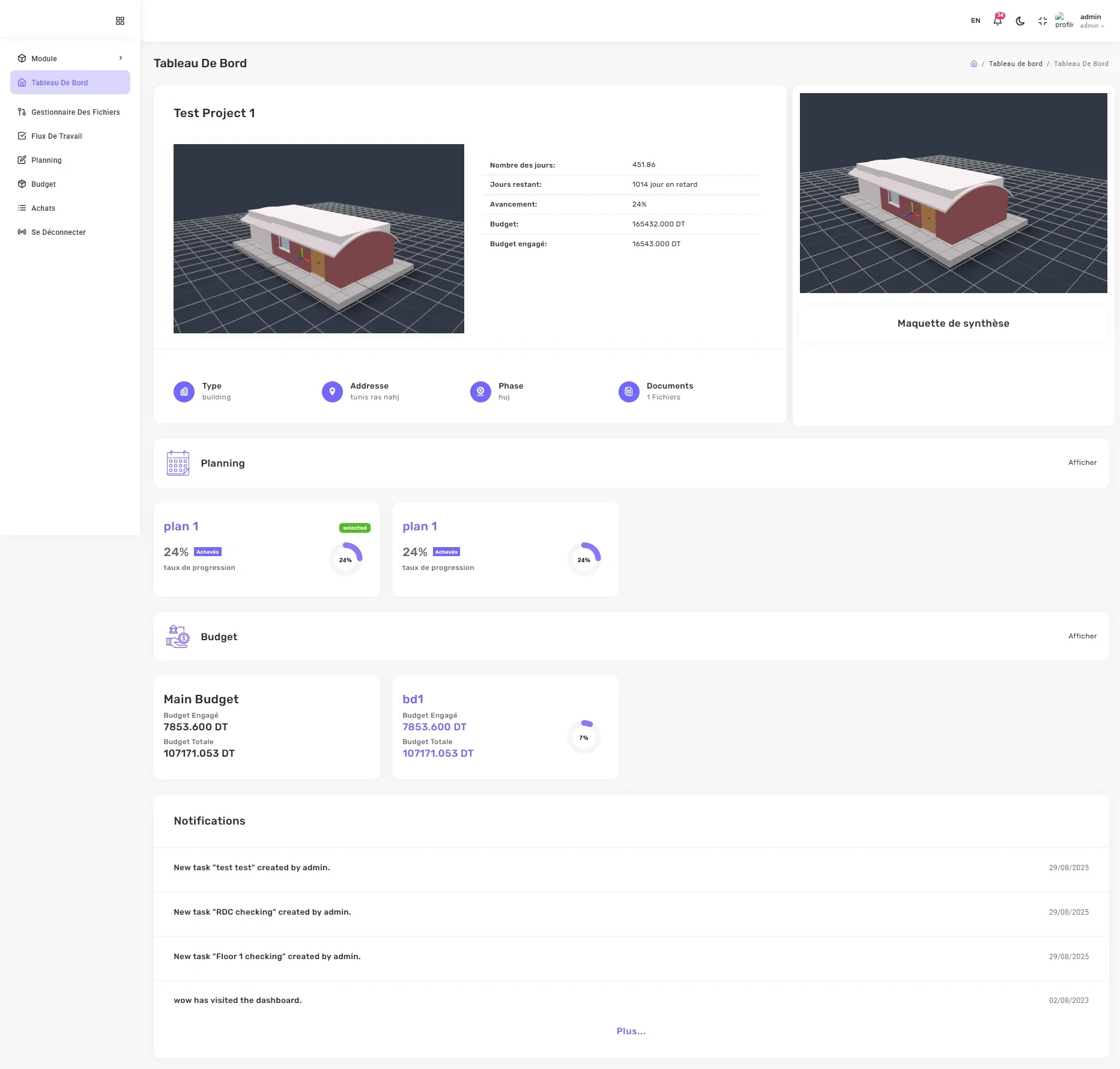
FIG. 04 — PROJECT DASHBOARDMetrics, storage, and activity — scoped to the selected project.
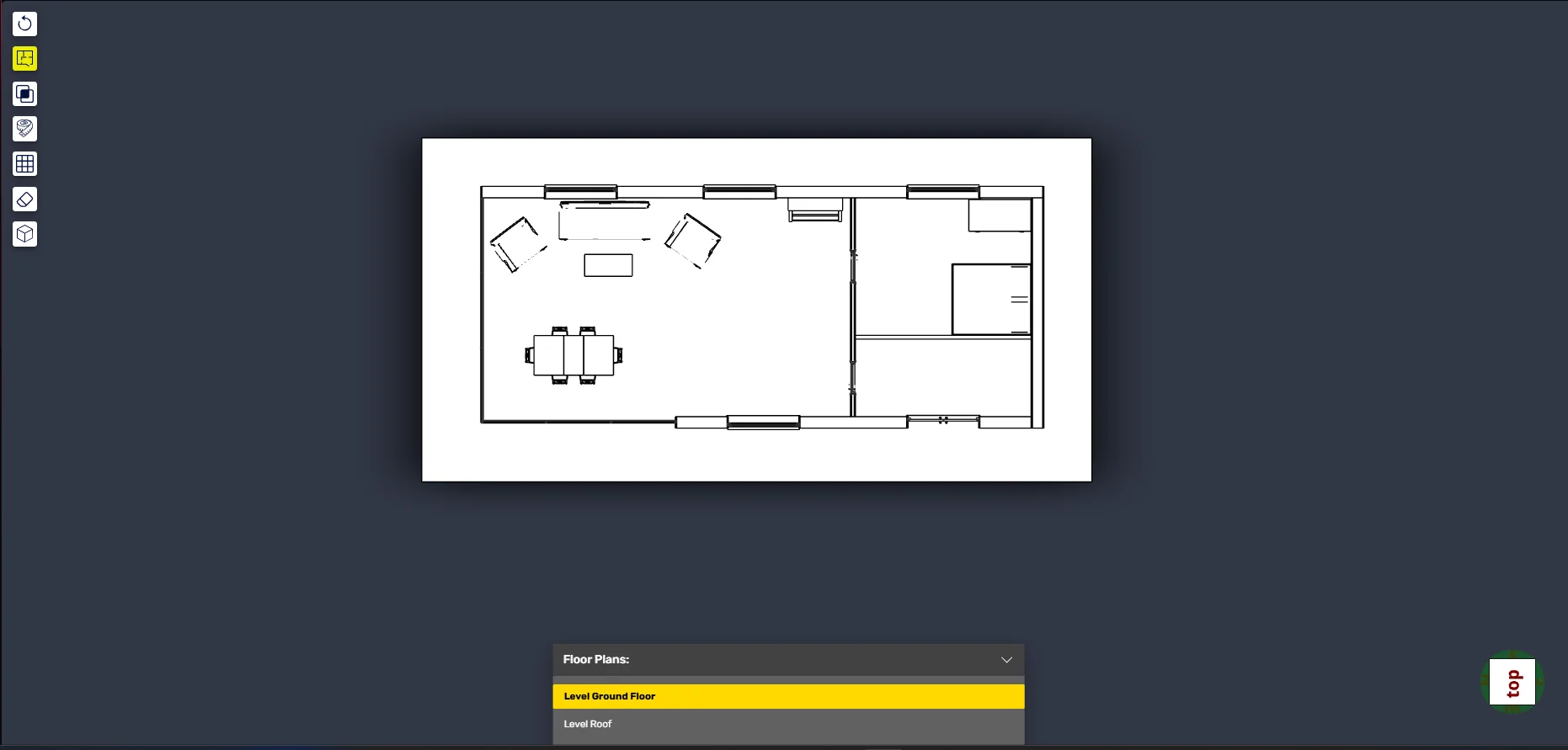
FIG. 05 — FLOOR-PLAN SECTIONING2D floor extraction from the 3D model.